
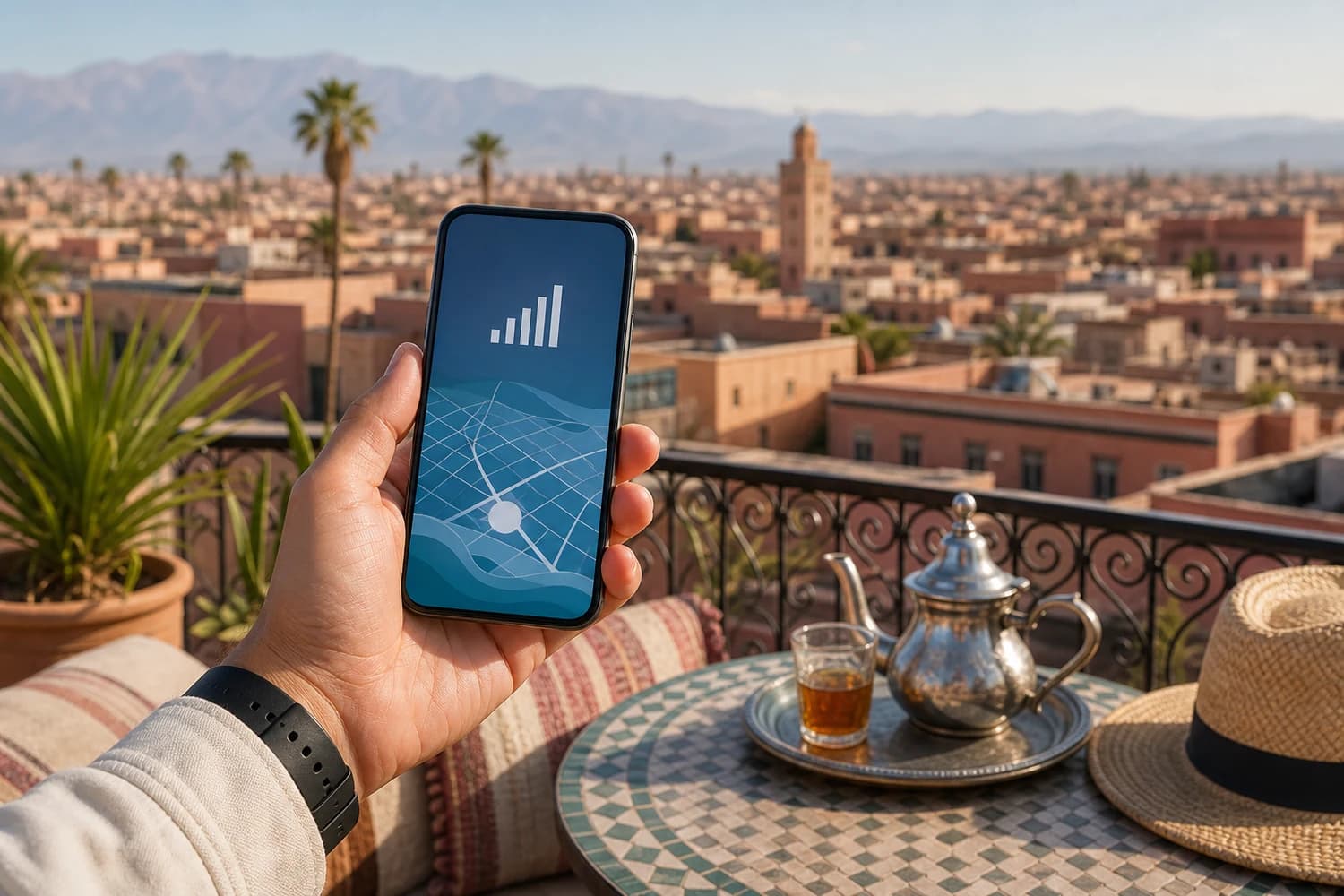
Morocco eSIM: Practical Guide to Internet on Arrival
A Morocco eSIM is useful if you want maps, WhatsApp, booking confirmations and transfer details as soon as you land. It avoids looking for a SIM shop at the airport, but your phone must support eSIM and be carrier-unlocked.
For quick internet in Morocco, prepare an eSIM before departure if your phone supports it. Otherwise, buy a local SIM at the airport or in an operator shop with your passport. Always check data allowance, validity, coverage and partner terms before payment. Install the profile on reliable Wi-Fi before you leave, then activate mobile data only on landing so validity does not start too early. Mobile coverage is strong in Marrakech, Casablanca, Fes, Tangier, Rabat and Agadir, but more variable in the Atlas Mountains, valleys and desert areas, so download offline maps before a road trip. Keep a backup plan too — hotel Wi-Fi, offline maps and a saved accommodation address — if you change cities often.
How does an eSIM work in Morocco?
An eSIM is a digital mobile profile. You install it through an app, QR code or guided setup, then turn on the data line when needed. Many travel eSIMs are data-focused, so keep your primary SIM active if you need bank SMS or identity checks.
How to install a Morocco eSIM: 5 steps
The whole process takes about ten minutes and is done before you leave, over a reliable Wi-Fi connection.
- Check that your phone supports eSIMConfirm your model handles eSIM and is carrier-unlocked. On iPhone, look for “Add eSIM” in the cellular settings; on Android, for “Download SIM” or “eSIM”.
- Pick a plan that matches your tripCompare the data allowance, validity period and covered country. For a week of maps, messaging and bookings, a few gigabytes is usually enough.
- Buy the plan and save the QR codeAfter purchase, the profile arrives by email or in the provider’s app, as a QR code or a guided install. Save it: you may need it without a connection.
- Install the profile before departureStill on Wi-Fi, scan the QR code or start the install from the app. The profile is added to your phone but stays inactive, so your usual line is unaffected.
- Switch the data on when you land in MoroccoOn arrival, enable the eSIM line and mobile data, then turn roaming off on your main SIM to avoid charges. Keep your original SIM active if you expect bank SMS codes.
eSIM or local SIM in Morocco?
The right choice depends on your phone, data needs and how much time you want to spend on arrival.
| Criterion | eSIM | Local SIM |
|---|---|---|
| Setup | Before departure, ready on arrival | Bought and registered locally |
| Convenience | Very convenient for short trips | Good for long stays or a local number |
| Compatibility | eSIM-compatible phone required | Unlocked phone with physical SIM slot |
| Check | Data, validity, included country, activation | Passport, coverage, top-ups, waiting time |
Where can you buy a SIM in Morocco?
Local SIM cards are usually available at major airports, operator shops and authorised resellers. Passport registration may be required. This can work well for long stays, but it is less seamless if you want internet immediately on landing.
Network coverage in Morocco
Mobile coverage is generally good in Marrakech, Casablanca, Fes, Tangier, Rabat and Agadir. It can be less consistent in the Atlas Mountains, valleys, desert areas and long rural drives. Download offline maps before a Morocco road trip. Working remotely from Morocco? Our digital nomad guide to Morocco covers the best cities, coworking spaces and fiber speeds.
Get internet before arrivalYou will be redirected to our partner Airalo.
FAQ — Morocco eSIM
Should I buy a Morocco eSIM before departure?
Does an eSIM replace a local SIM?
Can I use an eSIM at Marrakech or Casablanca airport?
Is coverage good everywhere in Morocco?
What should I check before buying an eSIM?
Next reads: Internet in Morocco, Morocco packing list and getting around Morocco.


